
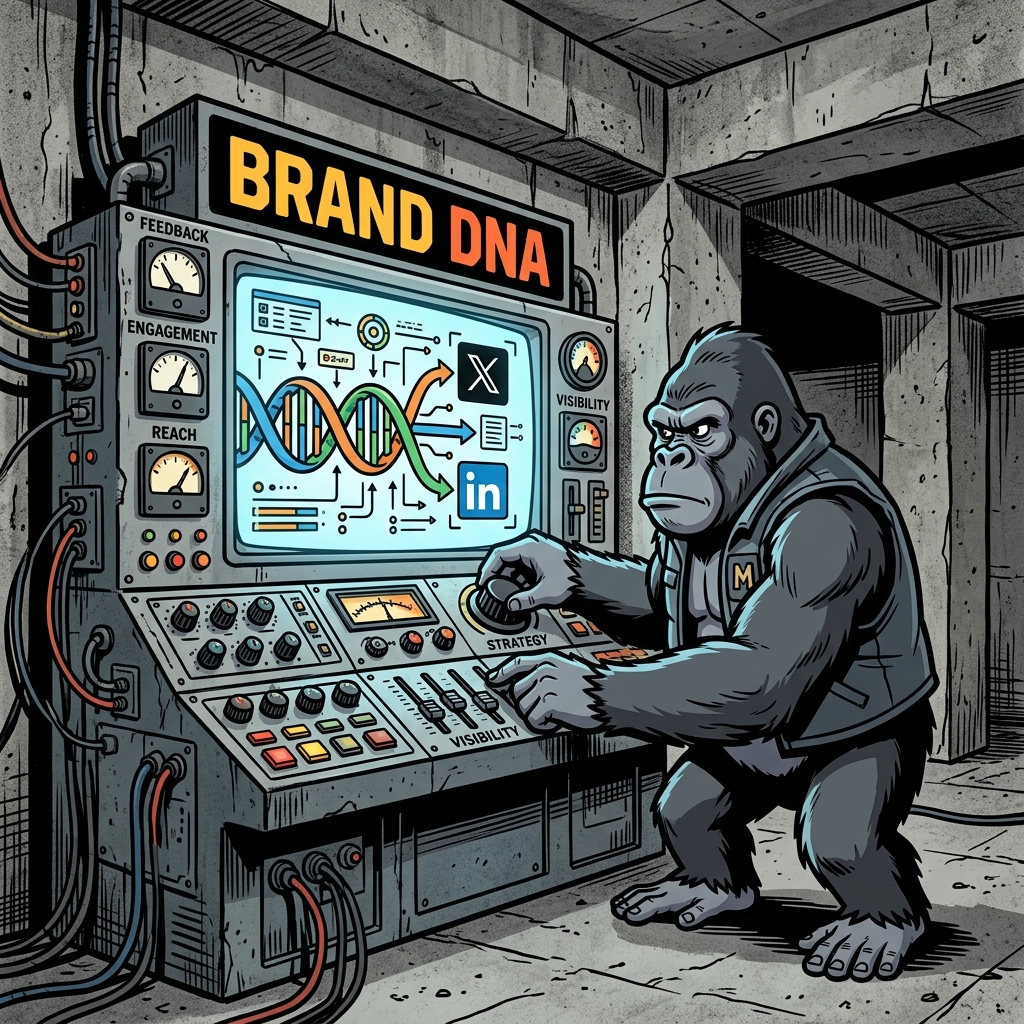
How to Set Up Brand DNA in ApePublish (Calibrated AI Guide)
TL;DR
Your brand voice is what keeps you from sounding like a generic AI bot. In ApePublish, the Brand DNA engine acts as your editorial guardrails. By setting your tone profiles, stylistic filters, audience target settings, and active templates, you can automate highly personal content generation in seconds.
If you want to try this out immediately, you can access the ApePublish Brand DNA Settings inside the dashboard.
Section 1: Why Most AI Content Sounds Robotic (and How to Fix It)
Most AI writers produce dry, corporate copy because they rely on generic models. Brand DNA is a multi-dimensional calibration engine. It sits between the raw input and the AI generator to enforce your custom communication style:
According to the latest research on Consumer Trust in AI Content (Pew Research), over 70% of readers can identify generic AI-generated copy. The solution is not to write everything manually, but to calibrate the AI to your specific brand DNA.
Section 2: Step-by-Step Brand DNA Calibration
Step 1: Define Your Voice Matrix
Start by mapping your brand parameters in the settings panel. Choose your core brand archetype:
Step 2: Establish Formatting Safeguards
Configure formatting rules to keep the AI from inserting robotic patterns. We recommend:
| Archetype Parameter | Target Coordinates | Recommended Style |
|---|---|---|
| Tone Level | 80% Authority / 20% Humility | High-impact assertions followed by data |
| Sentence Structure | 1-line paragraphs, 60% short/40% medium | Clean, rhythm-driven reading flow |
| Emoji Density | Zero or maximum of 1 | Keep it sleek and editorial |
Section 3: Connecting Your Distribution Channels
Once calibrated, the Brand DNA automatically feeds into the Ape Engine and Transform Studio runs. Connect your Twitter and LinkedIn accounts in /dashboard/integrations to sync formatting rules directly to each native channel's delivery system.
For more strategic details, refer to the State of Social Media Engagement 2026 (Buffer) for optimal timing and channel integration practices.
Related Articles
Practical guides to scale your content reach


